A workspace that goes with you
Good things don’t stay at a desk.
At the shop. Between appointments. On your way to the next thing. Your invoices, customers and payment records are right there in your browser.
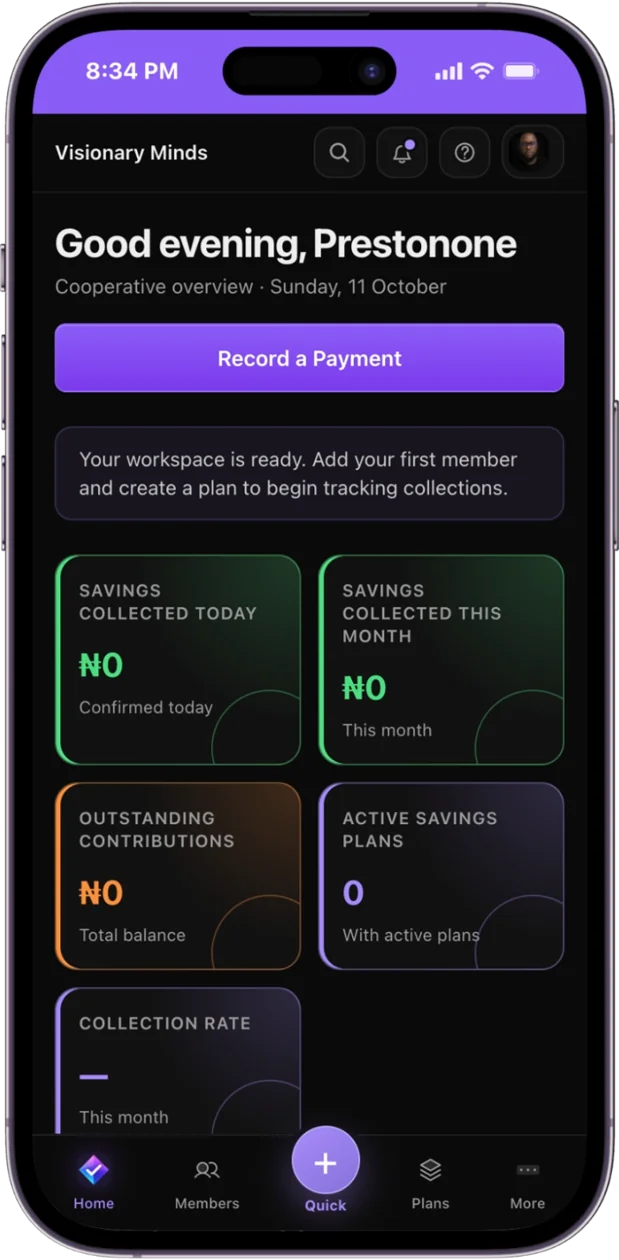
One familiar app.
A smaller screen.
- Open paytrack.ng on your phoneUse your browser to sign in to the same paytrack account.
- Add it to your home screenOn iPhone or iPad, open Safari’s Share menu and choose Add to Home Screen. In a supported Android browser, choose Install app or Add to Home screen from the browser menu.
- Pick up where you left offOpen paytrack from the new icon. You’ll need an internet connection for account and financial actions.
Browser installation options vary by device. paytrack is currently a web app; native App Store and Google Play downloads are not advertised.
Your next chapter
Less chasing. More clarity.
Bring your invoices, payment records and obligations into one place. Start with Free, and make room for what’s next.
Get started for free No card required. No paid subscription activated.